


How to Use Bookmarks
How to Use Bookmarks.
Bookmarks enable you to list community content (boards, articles, ideas, topics, or individual posts) on a special page so you can easily find it again.
- To bookmark a piece of content:
- Go to the item you want to bookmark.
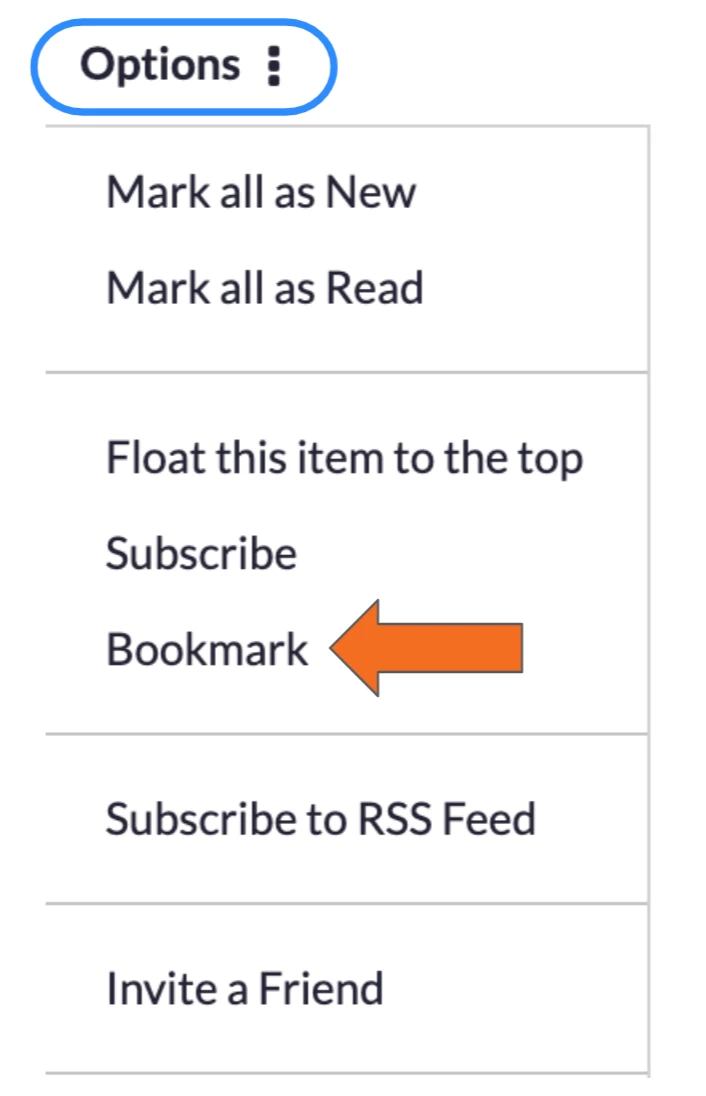
- To bookmark a location, choose Options > Bookmark.
- To bookmark a specific post, go to the post and choose Options > Bookmark.
- To view and manage your bookmarks:
- Go to Settings
 > My Settings > Subscriptions & Notifications > My Bookmarks.
- Go to Settings

-
- You can click a bookmark to go to the item.
- To delete a bookmark, click the check box for the bookmark and click Bookmark Options > Delete Selected Bookmarks.