


How To Select Your Language Preference
How To Select Your Language Preference
Community users can now select from various preferred languages in the Zoom Community. Available language options currently include the following:
- English (default)
- Japanese
- Spanish
- German
- French
- Korean
- Portuguese
- Italian
- Russian
- Vietnamese
- Indonesian
How to Select Your Preferred Language
- Thai
- Traditional Chinese
- Simplified Chinese
- Arabic
- Turkish
- Swedish
- Dutch
- Polish
- Click your Settings icon located at the top right of the community page.

- Go to My Settings > Preferences > Preference Options.

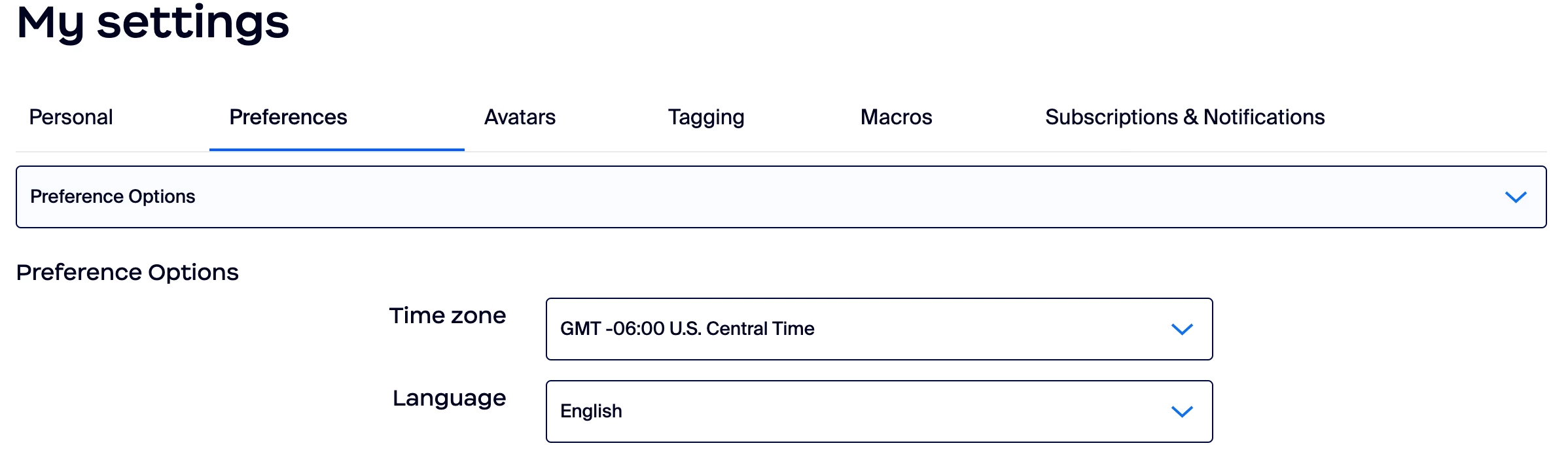
- Chose your preferred language from the Language drop-down menu.
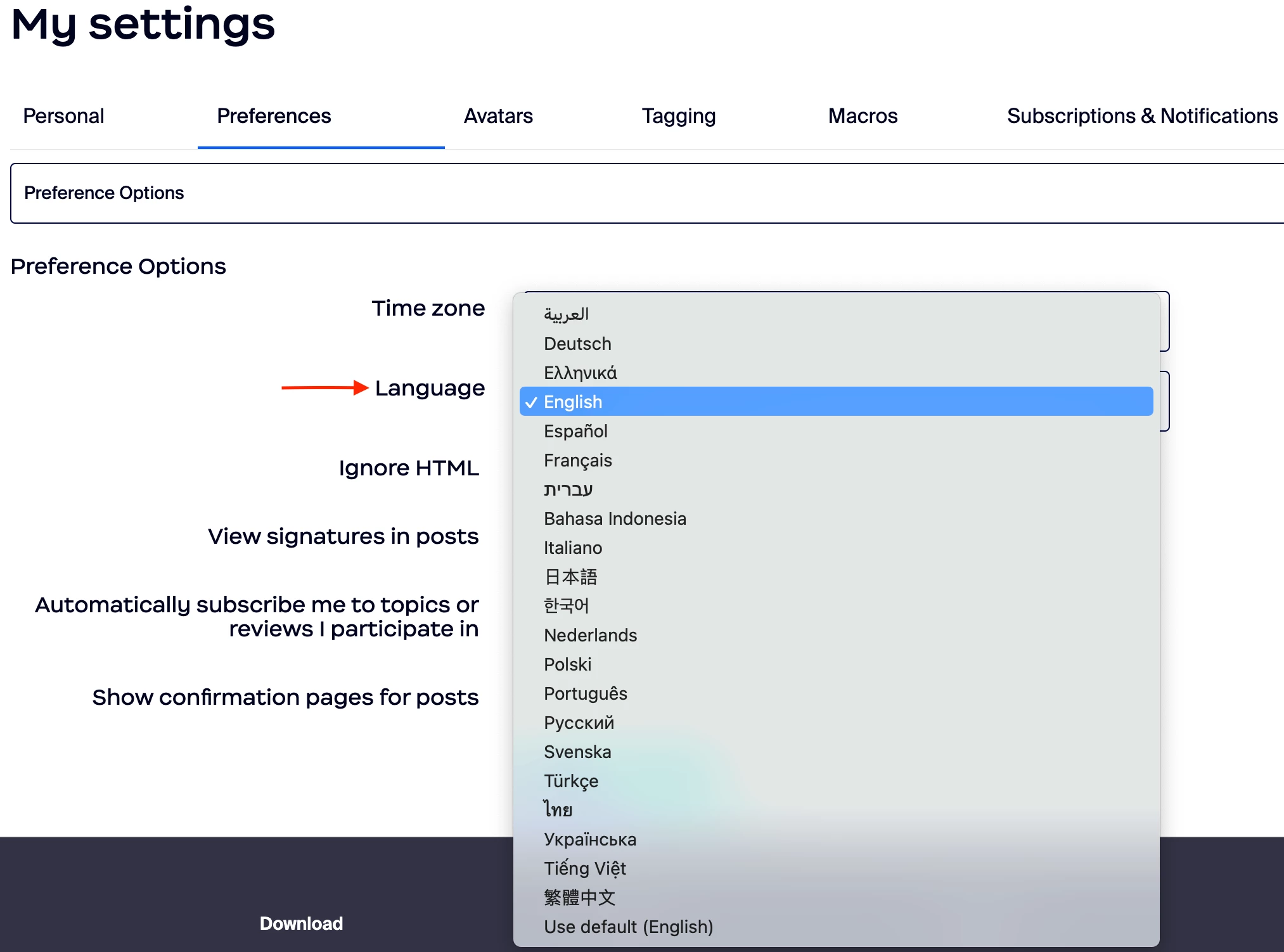
- Click Save.
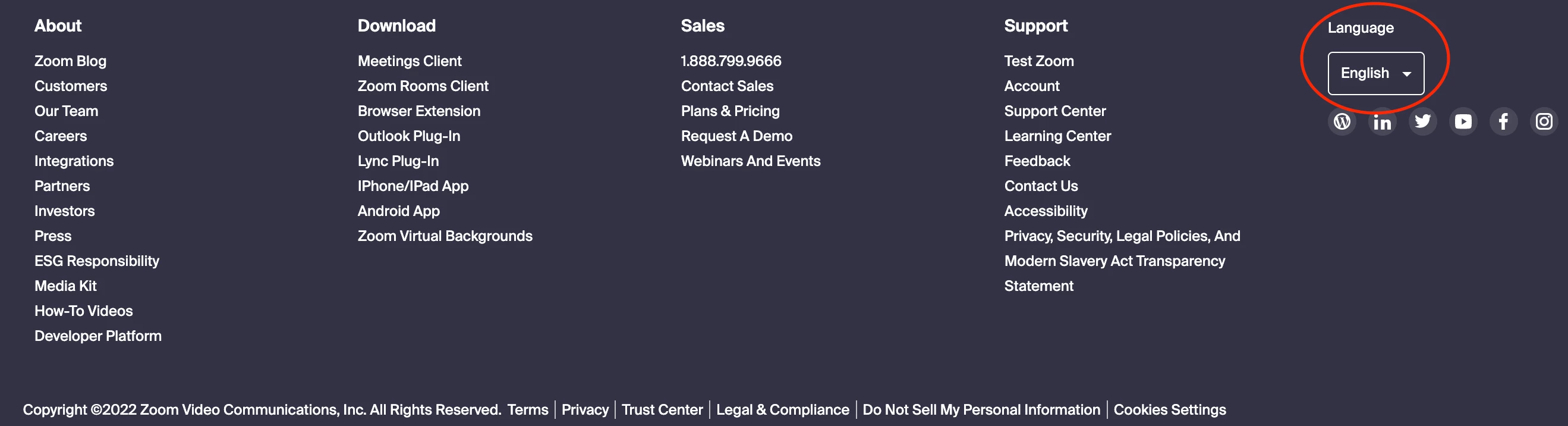
- Note: Users may also select their preferred language in the community footer. However, they must be signed into their Zoom Community account for the change to take effect.
What To Expect
You may notice that not everything on the Zoom Community will translate into your preferred language. For example, user-generated content will not translate. Posts will only be available in the language written by the original author of the content.
Items that will translate include but are not limited to the following:




P.S. Users who update their preferred language will receive a cool language badge 😎🔥