Newcomer
Dec 3, 2021 3:11 PM UTC
Question

I paid for webinar but can not make a webinar meeting


    1 reply

    vescamilla
    Employee
    Employee
    Dec 3, 2021 11:20 PM UTC

    Hello Antonwisbiski,


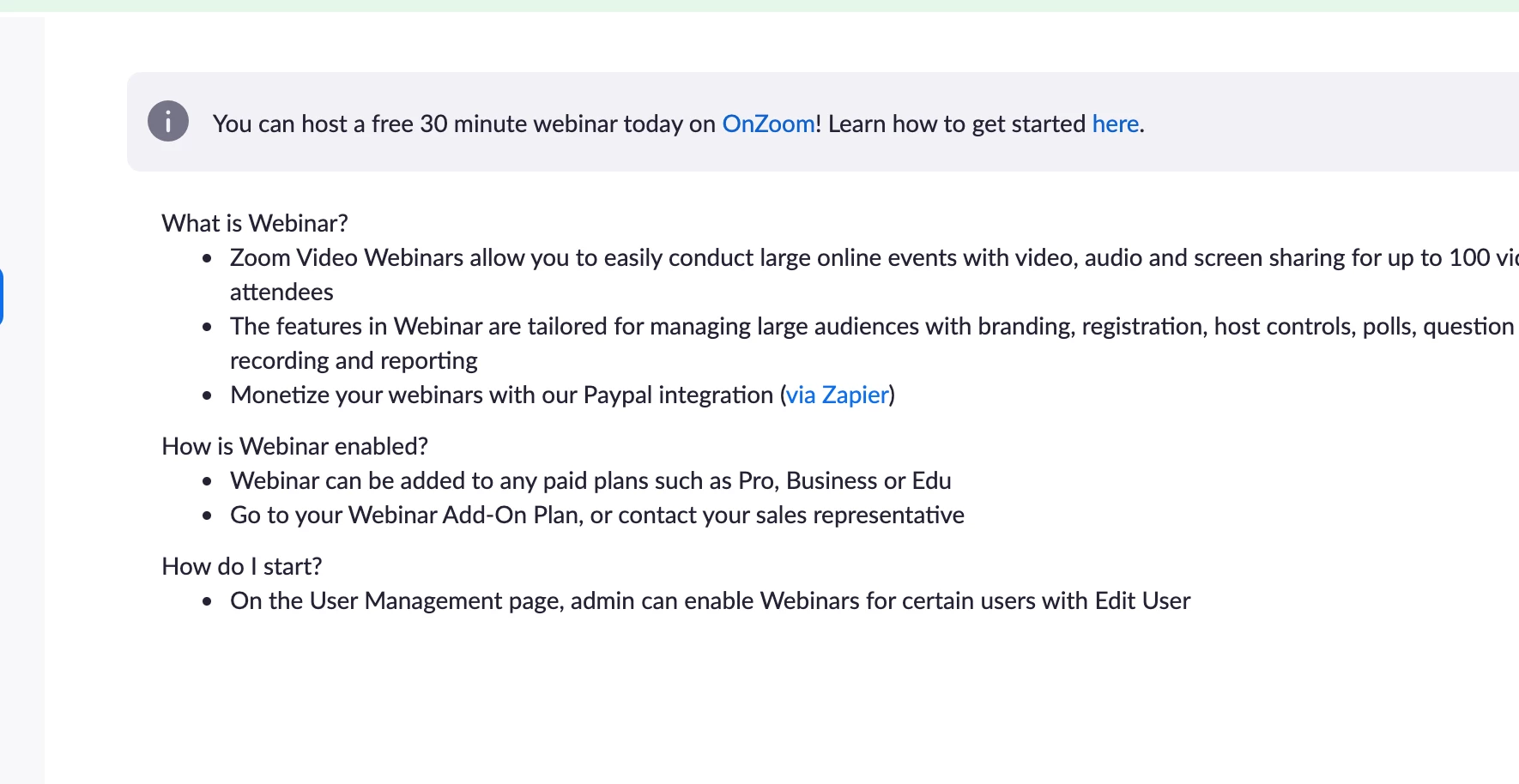
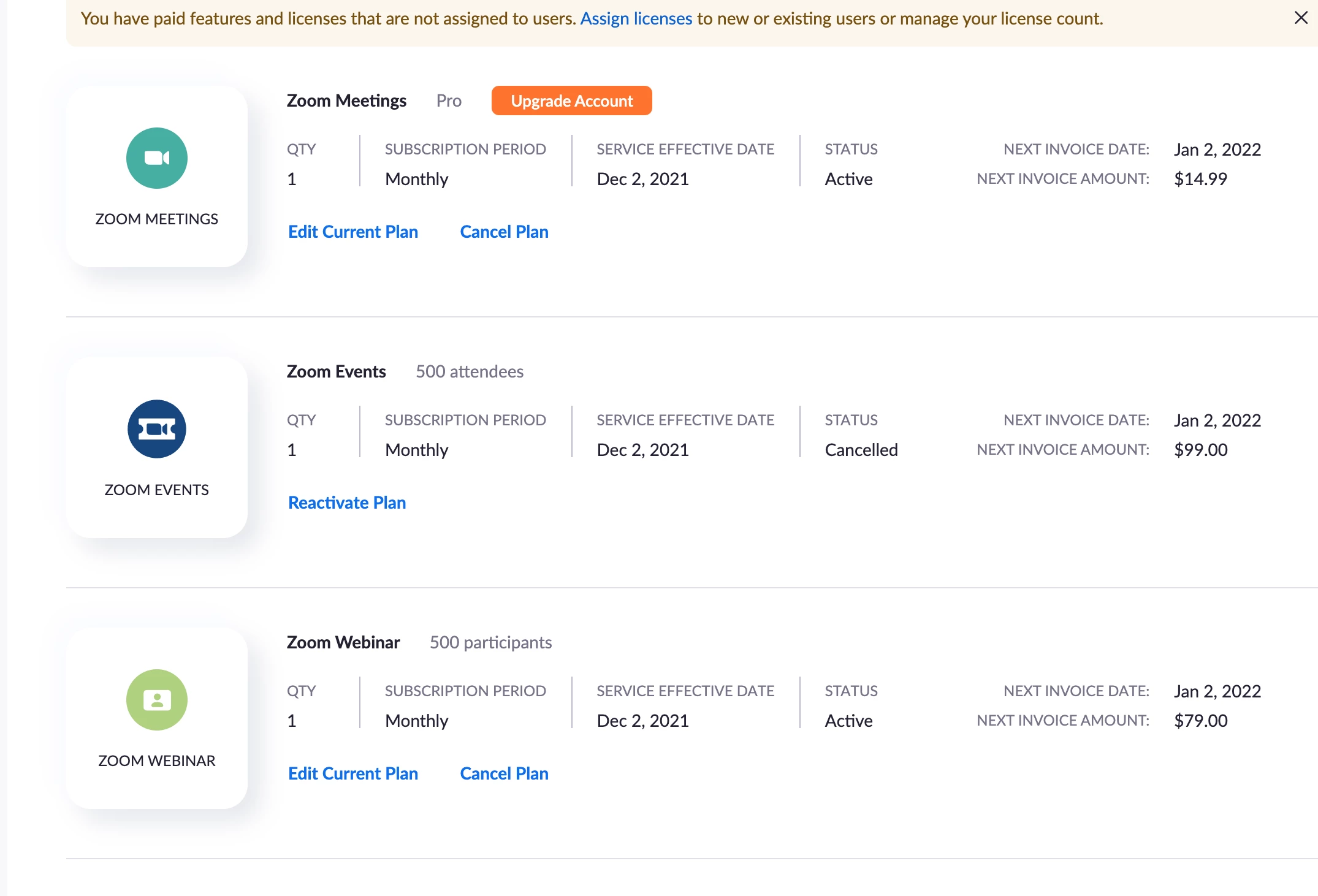
    Now that the Webinar add-on is on your account, you will need to assign the Webinar license to the appropriate user. You can go to Admin > User Management > Users and find the user who needs the webinar license. Click the "Edit" button on the right hand side. Now you can check "Webinar 500" and then click "Save". 

     

    For more information, please see https://support.zoom.us/hc/en-us/articles/201363183-Managing-users.


    Hope this helps!

    If this answers your question, please click "Accept solution". Thank you!

    Translate