

Explorer
Aug 26, 2021 10:34 PM UTC
Solved

wide angled camera from automatic updates

HI there, when I opened zoom to join a meeting last week it downloaded some updates and since this time my camera has not been working properly, it is now a super wide angle and I cannot seem to restore it to how it was prior to automatic updates, please could someone give me some advice on how to rectify this.
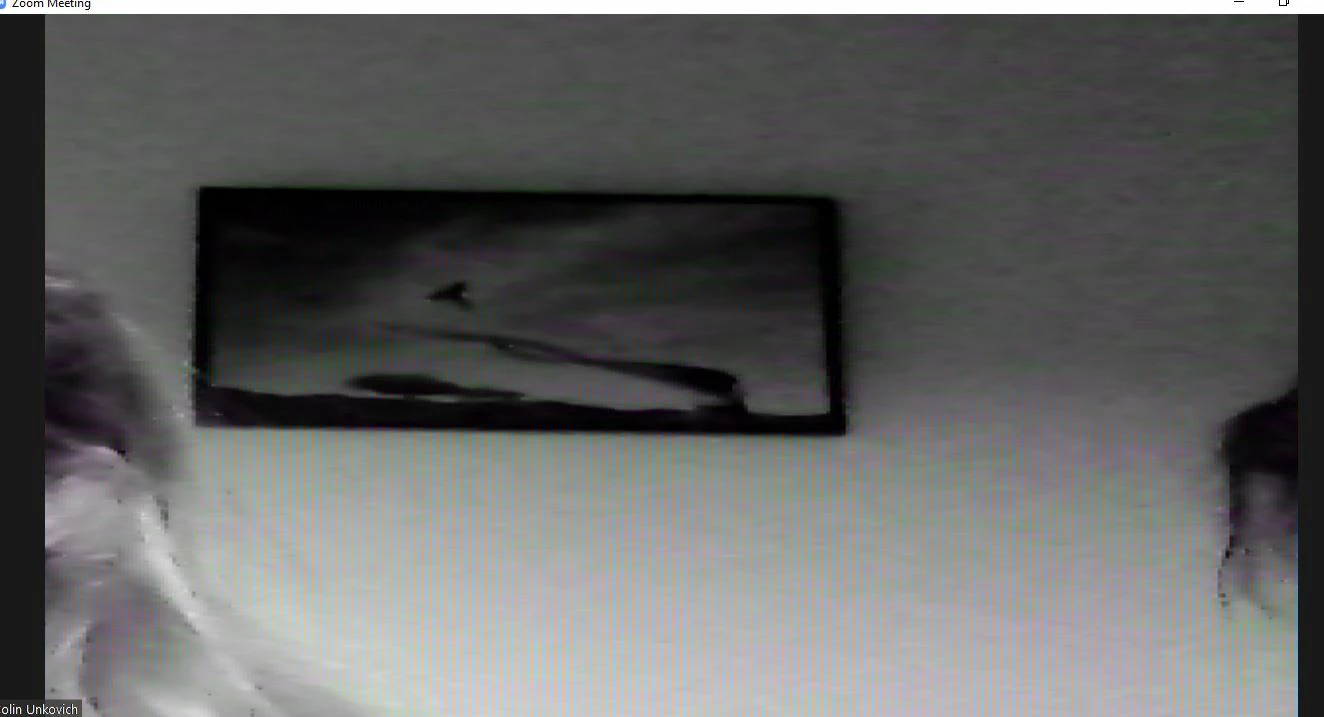

    VA11_2
    VA11_2Answer
    Community Manager
    Sep 7, 2021 5:21 PM UTC

    Hi @Sj7 was @RN11_2 able to resolve your issue? If so, don’t forget to mark the reply as an accepted solution!

    18 replies

    Community Manager
    Aug 31, 2021 6:58 PM UTC

    Hey @Sj7, try messing within the Zoom Video Settings by checking the Original Ratio to see If that helps with the 'super-wide angle' of the Camera ratio in a meeting.


    You can find the setting here ⤵️


    And this is the view of the Orginal Ratio checked, you can see it's cropped in a bit.


    Try that and let me know if this helps 🙂

    Translate
    Sj7Author
    Explorer
    Aug 31, 2021 11:03 PM UTC

    Hi there, Many thanks for this, I have followed the above advice and ticked the original ratio box as advised and I think it may have rectified the problem. I will know for sure at the weekend and will let you know one way or the other. I really appreciate the help.

    Regards Sj7

    Translate
    VA11_2
    Community Manager
    VA11_2Answer
    Community Manager
    Sep 7, 2021 5:21 PM UTC

    Hi @Sj7 was @RN11_2 able to resolve your issue? If so, don’t forget to mark the reply as an accepted solution!

    Translate
    Newcomer
    Feb 6, 2022 6:12 PM UTC

    Same problem here - I select Original Ratio, but when I unmute to speak, it pops back to widescreen.  I too need non-widescreen so as to hide whats behind me to the right and left.  My only solution so far is to select 'blur background', but that is not the preferred solution.

    Translate
    Newcomer
    Nov 9, 2022 11:15 PM UTC

    I'm having the same automatic wide angle issue when attendees join meeting.  I realized my web cam is a wide angle one, but now I see others are experiencing the same issue.  I hope there will be a solution soon. 

    Translate
    Newcomer
    Jan 20, 2023 10:46 AM UTC

    I have the same problem. I use a green screen, "original ratio" and "HD" are NOT selected. When I speak, the image suddenly narrows and shows my room to the left and right of my greenscreen. Very unprofessional indeed!! I now have the green screen not selected in "backgrounds and effects". So I work in wide-angle mode with blurred image quality and ghost hands. Solution, please!

    Translate
    Explorer
    Feb 1, 2023 8:28 PM UTC

    Echo this problem!!  @ZoomSupport please help!!


    Translate
    Newcomer
    Jul 17, 2023 3:11 PM UTC

    This has been an issue for years. Checking the box does not stop this from happening once people join and start speaking, the wide angle goes right back into action. 😞 

    I just don't understand why Zoom doesn't seem to care to fix this.

    Translate
    Newcomer
    Jul 18, 2023 9:04 AM UTC
    Hi everybody, I´m using an external webcam, the Logitech C920. I found out that the "Logitech Camera Settings" app has been discontinued and replaced by the "Logi Tune" app. So I installed it on my pc. In order to have the webcam working properly in my Zoom meetings, I need to first join the meeting and then select "Logi webcam" INSTEAD OF (!!!) "HD Pro Webcam C920". This solved immediately the problem of the wide-angle. I have not yet used my green screen, but I hope it will work again, too. 
     
    Therefore, the problem was the external webcam... and not Zoom... 


    Translate
    Newcomer
    Jan 24, 2024 9:24 PM UTC

    Clicking "Original Ratio" does absolutely nothing for me (iphone 12, latest Mac OS on mac mini) — checked on or off, it does nothing

    Translate
    Newcomer
    Feb 6, 2024 9:43 PM UTC

    I've looked for a solution but had no luck. Looks like this has been a problem for a long time. 8/21/ to 2/24, over 3 years. 

    Translate
    Newcomer
    Apr 14, 2024 8:51 PM UTC

    Hello, this is a problem for me, too: most of the time my camera angle is fine, but in one group meeting every other week, whenever I speak the camera angle increases to wide angle, and I can't get it back for the rest of the meeting. This is a meeting I am not a host of. I do not have an external camera. How can I keep my regular narrow cameral angle? 


    Translate