Explorer
Jan 25, 2022 7:37 AM UTC
Solved

Trying to adjust speed when watching a recorded meeting

Is there a way to adjust the speed of a recording that I am watching? I think I would be able to follow the meeting better if it was speeded up since the people were speaking slowly. I know YouTube has this capability.

    Vicki001Answer
    Explorer
    Jan 27, 2022 4:21 AM UTC

    Hello Vicki - If you could, can you try and maximize the screen by selecting the highlighted icon below: 
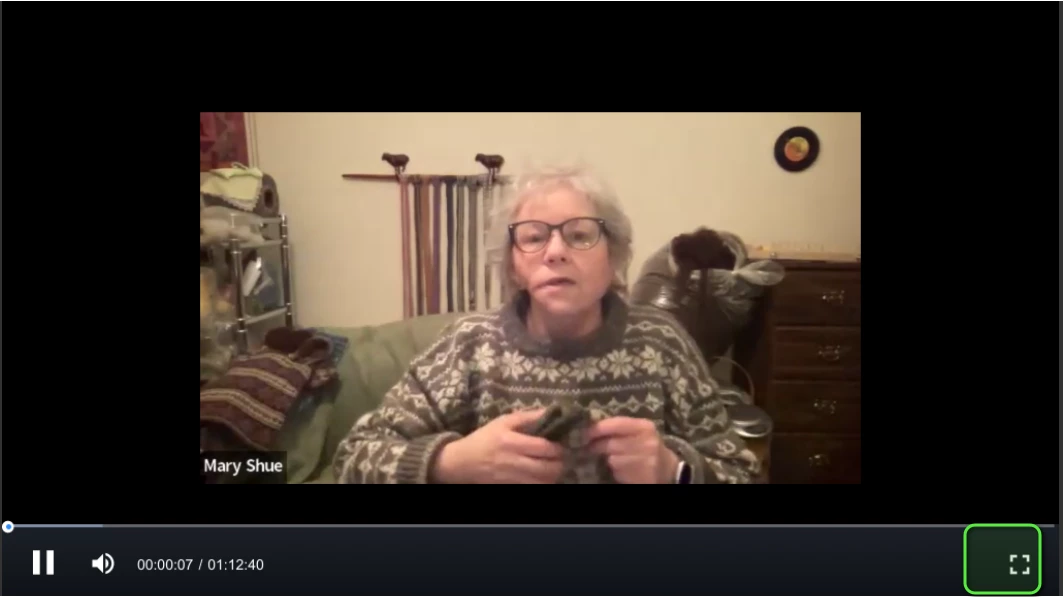
     

    Once you do that, you'll have the option to speed up the meeting.


    Hi Gregg, it didn’t work on my mini, but when I used the regular size iPad, there it was! The speed option as soon as I started watching! It must be a limitation of the mini….now we know! (Ya know, one time, I thought I had the speed option, but never could find it again…then I thought I must have imagined it…I guess that time, I watched on my regular size iPad.)


    Thanks so much for your patience and efforts.

    6 replies

    GreggG_aka_4G
    Employee
    Employee
    Jan 25, 2022 5:53 PM UTC

    Hello Vicki001 - curious when you are playing back the meeting do you see this as an option on your screen?


    Translate
    Vicki001Author
    Explorer
    Jan 26, 2022 12:46 AM UTC

    Sadly, no. I’m on an iPad mini…maybe that’s why. I have a regular size iPad. Will that one show it?

    Translate
    GreggG_aka_4G
    Employee
    Employee
    Jan 26, 2022 4:26 PM UTC

    Vicki001 - You should have the speed-up option; here is a picture from my iPhone, and I have the playback speed options.  I've highlighted the ... section; from there, you will be presented with the playback speed option.


    Translate
