Solved
Separating Attendees and Shared Screen
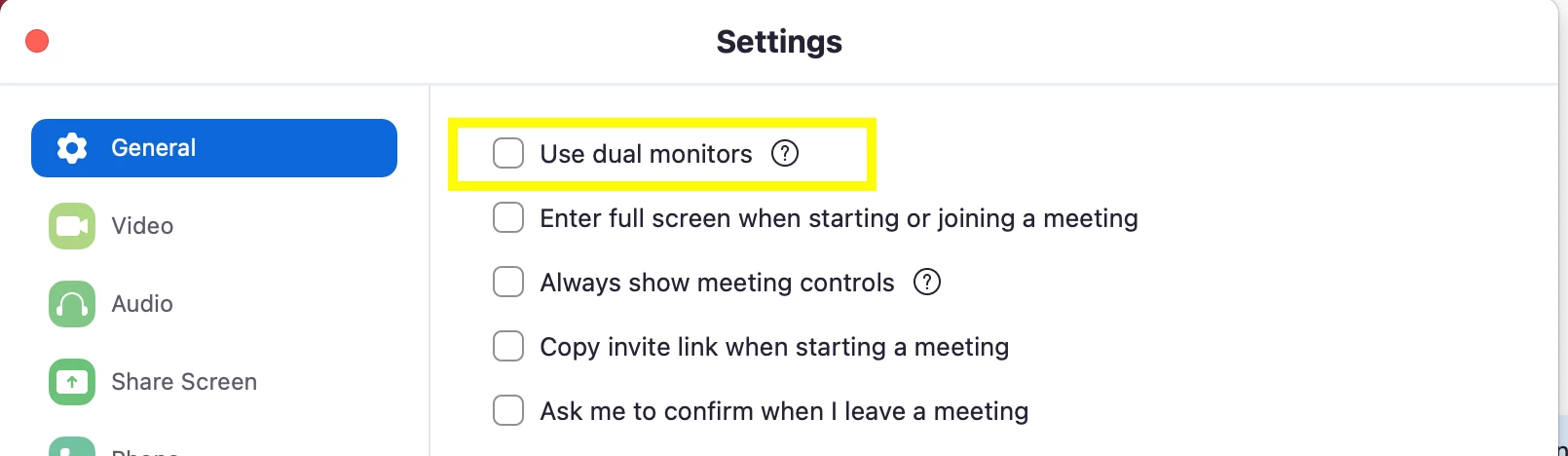
I want to separate the shared screen and the attendees on Zoom.
It is difficult to see the attendees when on side-by-side mode as we are in a large room with two large screens.
We would prefer to separate out on two screens: attendees on one screen; the shared imaging on the another. But when someone shares their imaging it combines into side-by-side/gallery mode.
Anyway we can stop it from combining into a side-by-side/gallery mode when someone shares their imaging?