Newcomer
Apr 25, 2024 7:36 PM UTC
Solved

Profile Picture

Hello all! Is there any way I can download and/or copy my profile picture in Zoom? I would like to use it for my Gmail account, but the original photo exists on a drive that failed. Thanks, in advance!

Humashankar
Partner
Apr 25, 2024 8:25 PM UTC

Hi @Rita_M 

Try this and see 


  • Sign in to the Zoom web portal.
  • In the navigation menu, click "Profile".
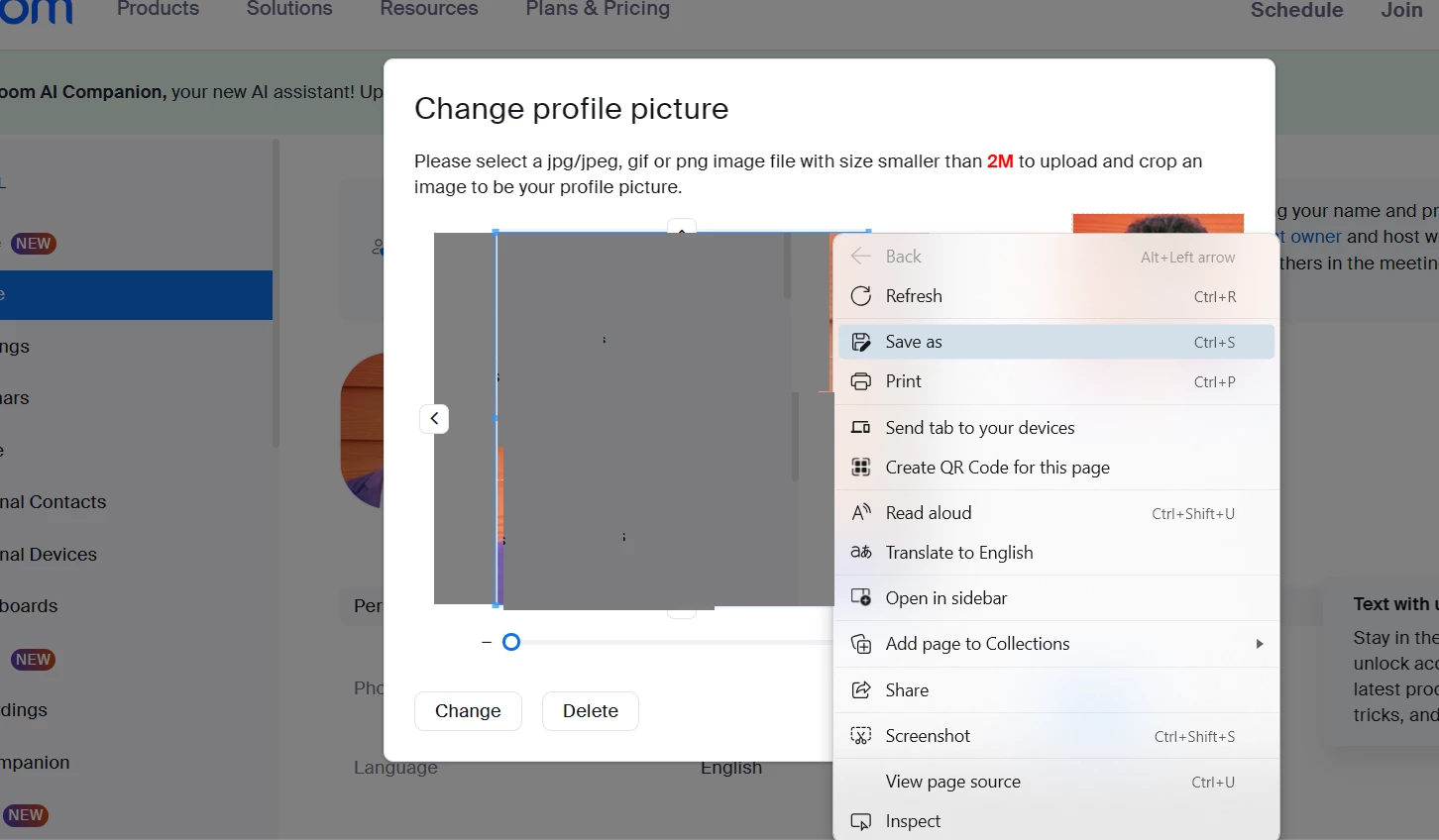
  • In the section with your name and other details, click on your profile picture or the edit icon beside it.
  • You'll see your profile picture displayed. Right-click on it (or press and hold if you're on a mobile device) and choose "Save image as" your convenience.

Hope this helps - Happy to help further!!
Thank you very much and have a great one!
Warm regards


7 replies

Humashankar
Partner
Partner
Apr 25, 2024 8:25 PM UTC

Hi @Rita_M 

Try this and see 


  • Sign in to the Zoom web portal.
  • In the navigation menu, click "Profile".
  • In the section with your name and other details, click on your profile picture or the edit icon beside it.
  • You'll see your profile picture displayed. Right-click on it (or press and hold if you're on a mobile device) and choose "Save image as" your convenience.

Hope this helps - Happy to help further!!
Thank you very much and have a great one!
Warm regards


Translate
Bri
Community Manager
Community Manager
May 2, 2024 5:27 PM UTC

Hi @Rita_M! I have reviewed your post and @Humashankar has provided a solution for you, so I've gone ahead and marked it as an accepted solution. Please let us know if you have any additional questions! 

Translate
Newcomer
Jun 13, 2024 3:49 PM UTC

yes

Translate
Newcomer
May 13, 2024 1:27 PM UTC

Thank you so much for the solution.

Translate
Newcomer
Jun 13, 2024 3:43 PM UTC

I can if I use FB prifile

Translate
Newcomer
Jun 13, 2024 3:45 PM UTC

I can if I use FaceBook profile

Translate