Newcomer
Jul 23, 2025 12:57 PM UTC
Solved

My "rename" will not stick!!!

My profile has my correct name but each time I join a weekly meeting it shows the first names of myself and my partner, probably created years ago for a one time social event.  I "rename" it every week and choose "remember" yet every single week it defaults back to these two names.

Please help!!

Ray_Harwood
Partner
Jul 23, 2025 11:18 PM UTC

Welcome to the Zoom Community, @Stumped123.


Changing your Display Name within a meeting only charges it for the duration of the meeting, as you have discovered. 

To make a persistent change, log in at https://zoom.us/profile and click the Edit link to the far right:

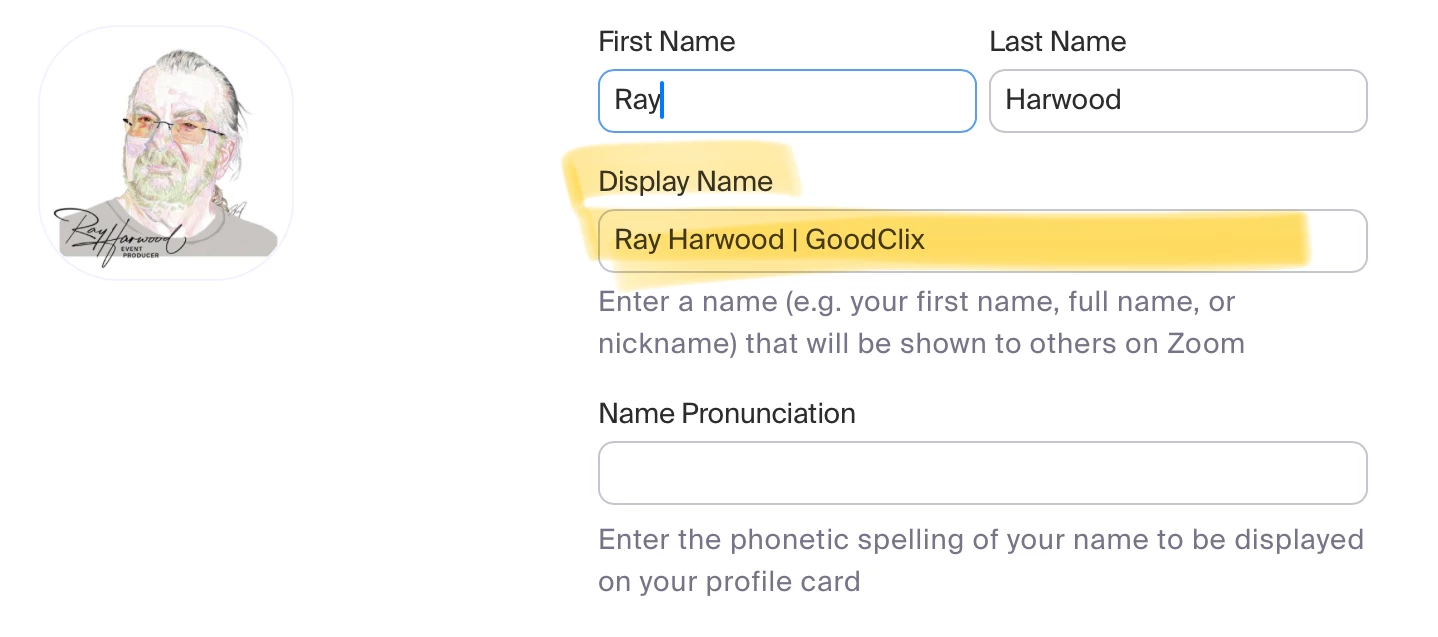
The profile editor will appear where you can make numerous changes, including Display Name which is always used as the default. 


4 replies

Ray_Harwood
Partner
Partner
Jul 23, 2025 11:18 PM UTC

Welcome to the Zoom Community, @Stumped123.


Changing your Display Name within a meeting only charges it for the duration of the meeting, as you have discovered. 

To make a persistent change, log in at https://zoom.us/profile and click the Edit link to the far right:

The profile editor will appear where you can make numerous changes, including Display Name which is always used as the default. 


Translate
Explorer
Aug 1, 2025 5:19 PM UTC

thanks Ray, your suggestion worked like a charm.

Translate
MGSR
Community Manager
Community Manager
Jul 28, 2025 9:27 PM UTC

Hi @Stumped123! I wanted to let you know that I’ve marked @Ray_Harwood's response as the accepted solution, as I believe it answers your question. If you have any more questions or need further clarification, feel free to ask.

Translate
Newcomer
Jul 29, 2025 8:38 AM UTC

If your rename would not stick try saving changes properly check file permissions and restart the program to the device it might be a glitch.

Translate