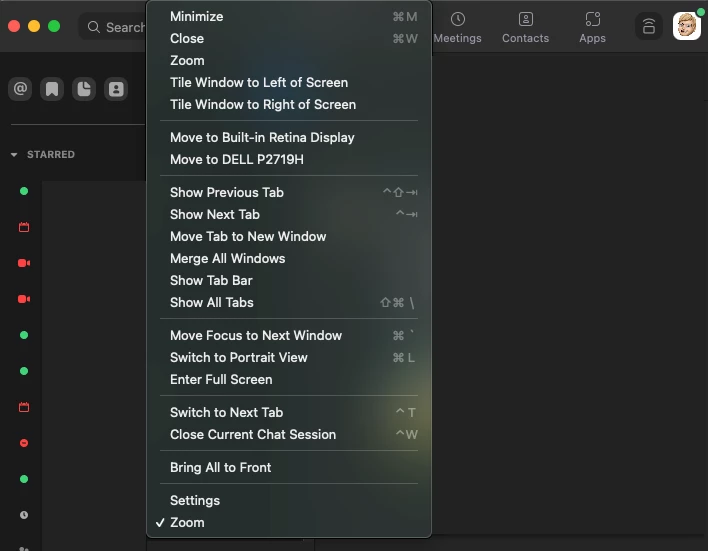
Hey @Jageneroso I don't believe we have an adjustment to your window when starting the zoom client itself only while in-meetings (General > Enter full screen when starting or joining a meeting) and share screen adjustments (share screen > window size when screen sharing), unless you adjusted the window settings e.g. for mac.
Hey @Jageneroso I don't believe we have an adjustment to your window when starting the zoom client itself only while in-meetings (General > Enter full screen when starting or joining a meeting) and share screen adjustments (share screen > window size when screen sharing), unless you adjusted the window settings e.g. for mac.
I have the same problem on Windows 10. Before the December 20 Zoom update, my "full screen" display was truly full screen, with the meeting controls disappearing unless I moved the cursor or there was active chat. Now I have black bars on both sides of the image, and the meeting controls are always in view. How can I get back to the true full screen?