Explorer
Mar 16, 2022 4:00 PM UTC
Solved

Insufficient disk space

Hi on a recent zoom a warning came up saying insufficient disk space


What do we need to do

    Employee
    Mar 16, 2022 5:00 PM UTC

    If you are the host of that meeting and you had local recordings turned on, it will save the file locally on your computer as long as you have sufficient space it would save. 

    If you had cloud recordings turned on it would save it in a cloud storage again provided you have enough space.

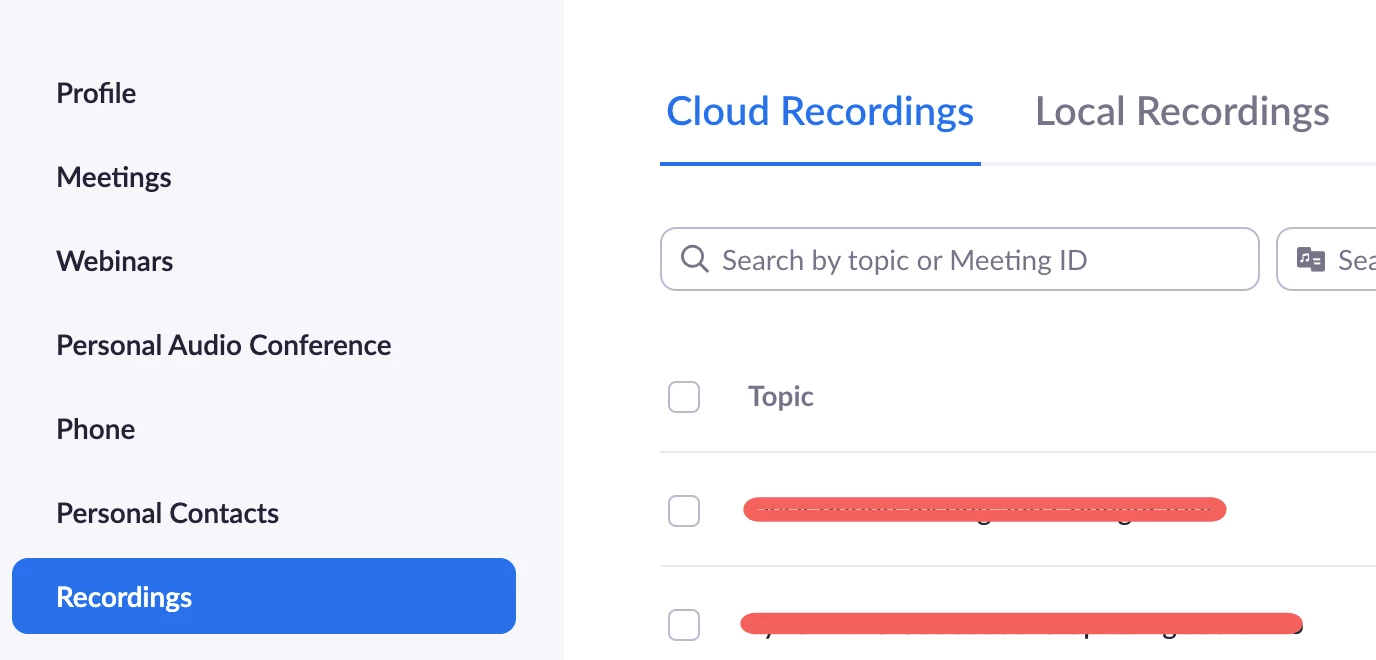
    You can check the meeting if it showed up on your recordings under your profile > Recordings > Cloud Recording/Local Recordings


    9 replies

    Employee
    Mar 16, 2022 4:11 PM UTC

    Hi @oaklandswealth! Did you had local or cloud recording turned on for that meeting?

    Translate
    Explorer
    Mar 16, 2022 4:23 PM UTC

    Hi I have no idea, how do i find that out ?

    Translate
    Employee
    Mar 16, 2022 5:00 PM UTC

    If you are the host of that meeting and you had local recordings turned on, it will save the file locally on your computer as long as you have sufficient space it would save. 

    If you had cloud recordings turned on it would save it in a cloud storage again provided you have enough space.

    You can check the meeting if it showed up on your recordings under your profile > Recordings > Cloud Recording/Local Recordings


    Translate
    Employee
    Mar 17, 2022 9:59 PM UTC

    Hi @oaklandswealth , You have some responses to your discussion worth noting. Have any of these answered your question? If so, don’t forget to mark the reply as an accepted solution.

    Translate
    Explorer
    Mar 18, 2022 9:56 AM UTC

    Thank you 

    Translate
    Employee
    Mar 22, 2022 3:51 PM UTC

    You're welcome, @oaklandswealth 

    Translate