
Newcomer
Jan 5, 2023 3:38 PM UTC
Solved

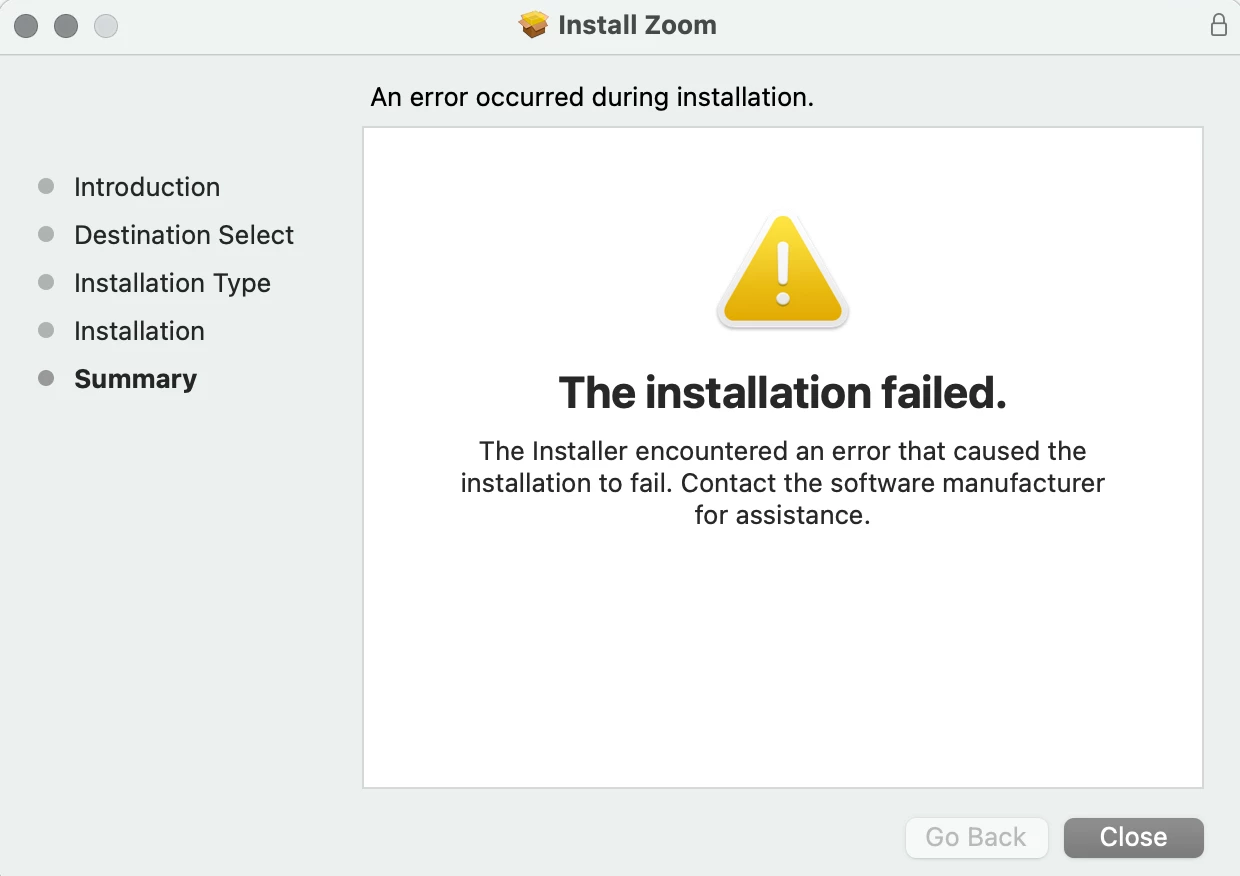
I can't download the app in my computer.

Every time I get to the last stage of the app installation, this message comes up. 

I tried to erase all the zoom data in my computer, restart it and try again from cero but it always happens. 


    Cass963Answer
    Explorer
    Jan 6, 2023 3:13 AM UTC

    I had the same issue with my Macbook. Try this:

    Go to system settings, privacy & security, files and folders, click on the arrow next to "installer" and then make sure downloads folder option is toggled on.

    4 replies

    FORE-Craig
    Expert
    Expert
    Jan 5, 2023 3:50 PM UTC

    Hi @Sophia2023 


    Have you recently updated your Mac to MacOS Ventura (version 13+)? 


    If that is the case, you will need to delete the old version of the Zoom app in the Applications folder, and then reattempt the installation. I had this issue as well.


    I hope that helps!


    Translate
    FORE-Craig
    Expert
    Expert
    Jan 5, 2023 4:18 PM UTC

    Hi @Sophia2023 


    If you have a recent Mac with an Apple Silicon processor (M1 or M2), make sure that you download the version of the Zoom app for Apple Silicon Macs at https://zoom.us/download . See attached.


    😊 


    Translate
    Cass963Answer
    Explorer
    Jan 6, 2023 3:13 AM UTC

    I had the same issue with my Macbook. Try this:

    Go to system settings, privacy & security, files and folders, click on the arrow next to "installer" and then make sure downloads folder option is toggled on.

    Translate
    Newcomer
    Feb 6, 2023 12:22 PM UTC

    Thank you! This was VERY helpful!


    Translate
