Explorer
Aug 9, 2023 9:26 AM UTC
Question

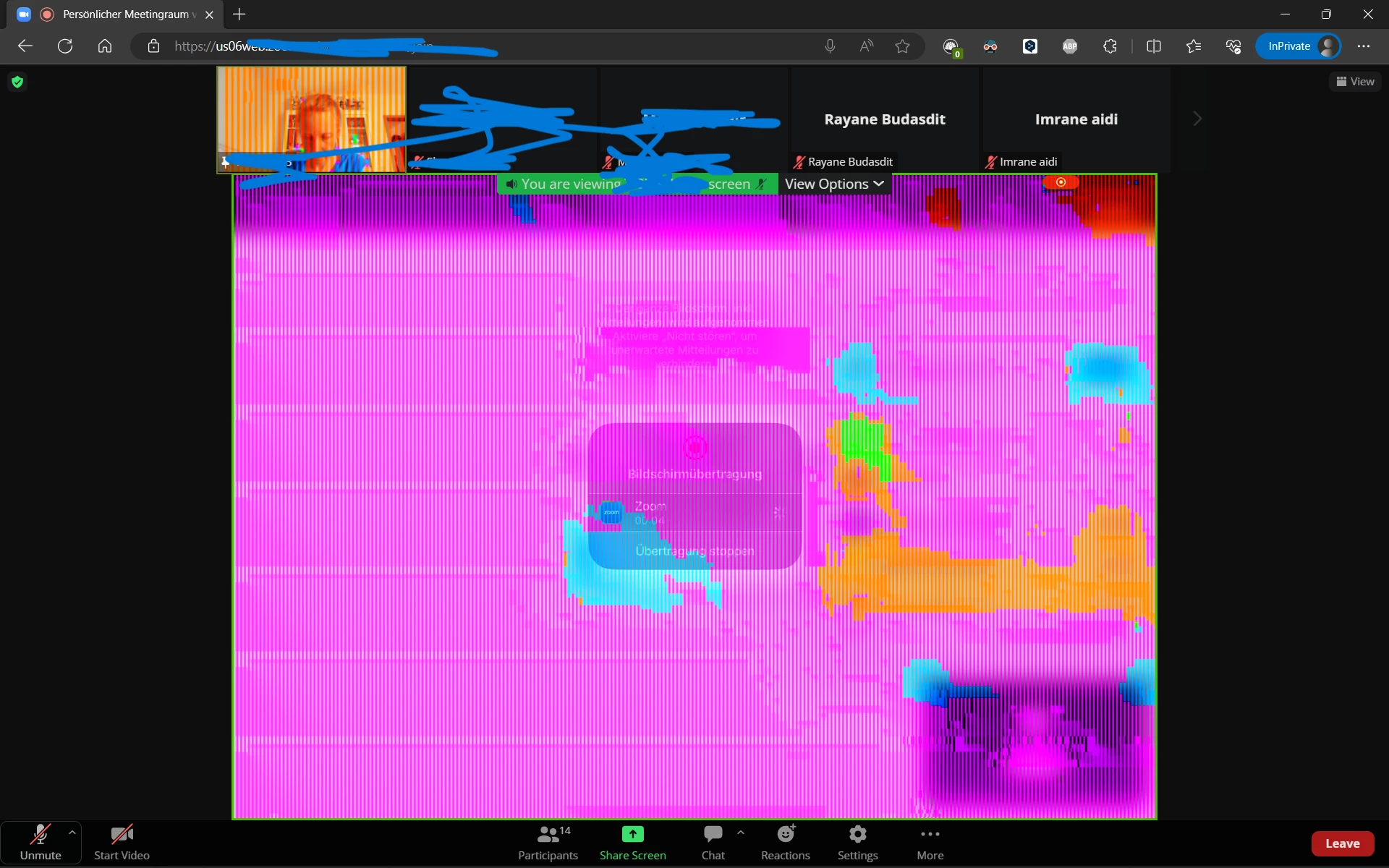
How can I fix these colored lines appearing over the video?
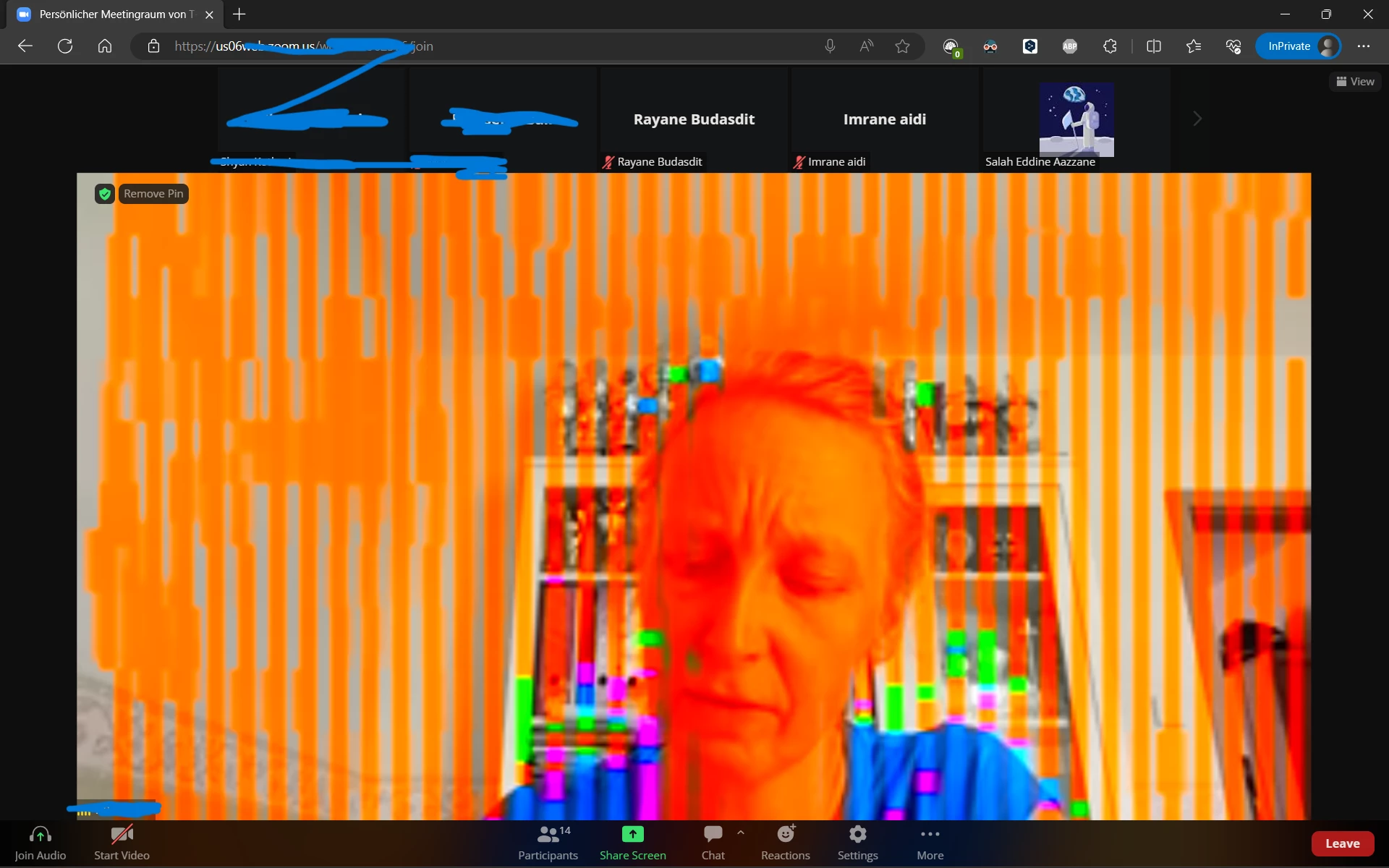
 

 The Title says it all. And this problem only occurs when im launching meetings on the browser.

4 replies

Community Manager
Aug 9, 2023 6:20 PM UTC

Hi @gszsu welcome to the community! First, I'd check to see if you're having the same issue within the Zoom client.


You can download the Zoom client from https://zoom.us/download, sign in with your Zoom credentials, and start a new meeting (for testing purposes) with yourself. Choose the same camera input that is displayed in the web portal and see if you have the same experience in the Zoom desktop client as you do in the Zoom web portal.


Let me know your findings! 🙂

Translate
gszsuAuthor
Explorer
Aug 11, 2023 12:19 PM UTC

no i'm not having same issues on the zoom client @RN11_2 

Translate
Community Manager
Aug 15, 2023 2:05 PM UTC

@gszsu I see that this is participant view of users with their camera on. This is more of a question for the participant using camera, but Im curious of a couple of things: 

  • Is the user also using Zoom from the Browser and is their browser up-to-date? If not, suggest updating browser. Dependent on the browser, but maybe suggest looking into this external resource on updating your browser
  • Is the participant using external camera or integrated camera? And with that being said are they using the virtual background feature in the web client / PWA? 


If you're having no issue though however using the client, I would use the client for the best experience 🙂

Translate
Newcomer
Sep 12, 2024 6:49 PM UTC

Hello, I was wondering if you were able to resolve this issue? I have it exact thing occurring on two separate computers (using edge browser). These lines disrupt any incoming live video (including shared screens) during the meeting), but do not affect the rest of the screen.

I cannot use the external Zoom application because it is for a course and automatically opens in the browser and does not give the option to open the app (which is already installed). As a side note, the class is recorded, and when I watch the recordings, the lines don't appear. It is only in live meetings.

Translate