

Newcomer
Nov 10, 2024 4:20 AM UTC
Question

Disable Raised Hand pop up in a Zoom meeting

Hi,

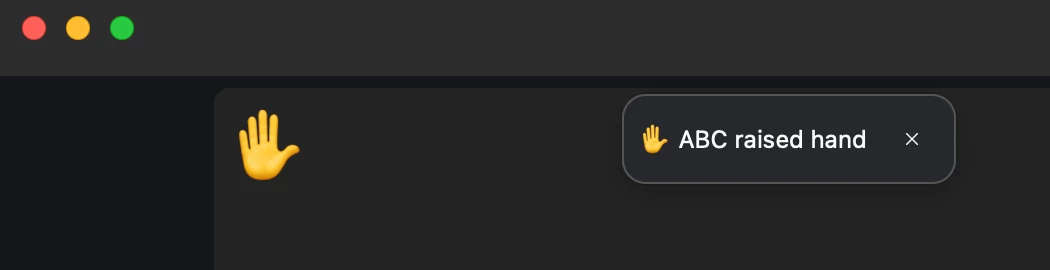
How do I disable this pop up when someone raises their hand? The participants who've raised their hands get moved to the top of the gallery as it is. This pop up seems unhelpful and besides that the host has to keep closing the pop up each time someone raises their hand.


In the participants panel we get two more notifications for a raised hand:
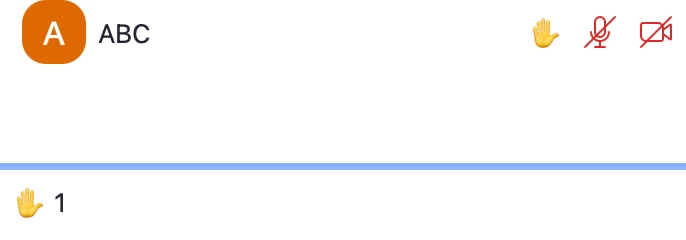


Please disable the pop up message. Thank you!

3 replies

MGSR
Community Manager
Community Manager
Feb 13, 2025 10:48 PM UTC

Hello @HPD108,

Welcome to the Zoom Community! We're glad to have you here.

I'm sorry for the late response.Unfortunately, there is no option to disable the notification. I recommend submitting this as feedback for future consideration. You can check this article on how to submit one. 

Thank you, and have a great day.

Translate
Newcomer
Jun 6, 2025 12:59 AM UTC

please make it so we can disable it. it is so annoying.

Translate
Newcomer
Jul 27, 2025 2:51 PM UTC

Yes when there is a full meeting it covers the first row and interferes with unmuting participants that automatically go to the top when they raise their hand.

Translate