

Explorer
Sep 27, 2023 3:14 PM UTC
Question

camera shows white screen

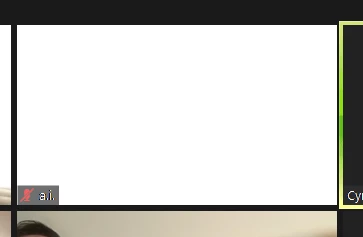
I am using windows 10 on a desktop, zoom Version: 5.15.7 (20303). my camera shows a white screen (see below). i use zoom every day, and it has been happening every day. sometimes it resolves itself after some time, other times not at all. i have been using zoom since 2019 on multiple devices and haven't had this problem until this past month when i moved into a new apartment. i am still using the same computer, webcam, etc, i've had since 2021, so it's definitely not the hardware.


previously, when this question has been posted on the zoom community forum, there hasn't been a solution. please assist. thanks
 

4 replies

Community Manager
Sep 27, 2023 4:49 PM UTC

Hey @namelessalexa welcome to the community! I see you're on Zoom Version 5.15.7, as of today, I am running 5.16.1 on Windows 10 with no issues. I am using a Logitech Brio as my camera, I switched between my Avatar and Self-view with my camera and didn't encounter a difference. Could you try Updating Zoom to the latest version or using another camera source if available? 


Translate
Newcomer
Oct 17, 2023 12:40 PM UTC

Hello, I also have the same problem as 'namelessalexa', and use a Windows 10 desktop PC.  I've been using Zoom regularly since about 2020, and my camera also shows either a white or purple screen, which sometimes stops or sometimes starts again.  There was a Windows update recently to my computer, so I wonder if this incompatibility started then, as I have not had this trouble before.  Can anyone assist, please?

Translate
Community Manager
Oct 17, 2023 2:54 PM UTC

Hey @marklanguage what kind of camera do you use with Zoom? That being said, I would select 'auto' for any Video Settings > Advanced options in the screenshot below, particularly the 'video capturing method' dropdown options.


Could you please double-check those settings for me to see if re-configuring how video rendering and capturing methods change might help solve the problem? Please make sure your Zoom desktop client is also up to date.

Translate
Newcomer
Jun 14, 2024 11:14 AM UTC

Try updating both Zoom and your webcam drivers. Also, check for any background apps using the webcam and disable them.

Translate