
sfrench55
Explorer
Explorer
Sep 18, 2021 6:17 PM UTC
Solved

How to stop Chat previews?

  • I have some hearing loss and need to be able to watch the Live Transcript scroll by during meetings.
  • Opening the Live Transcript window closes the Chat window.
  • And that causes Chat previews to start popping up below my screen, which is distracting.


Is there a way to suppress Chat previews? (If I need to see the Chat, I can always take a peek.)


I've looked around and tinkered with my Chat preferences. And to my eye, it seems that the notifications should have disappeared. But they haven't.


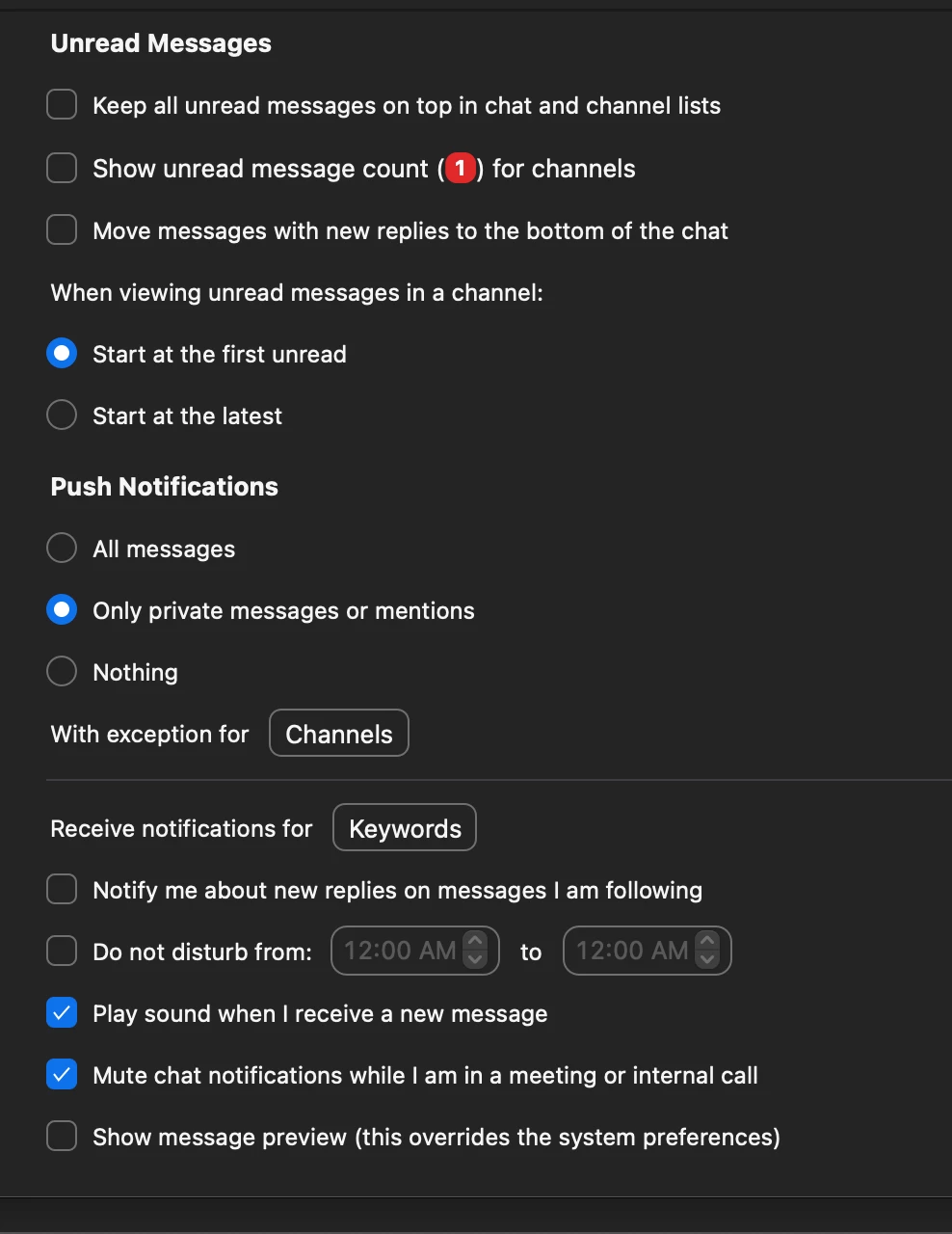
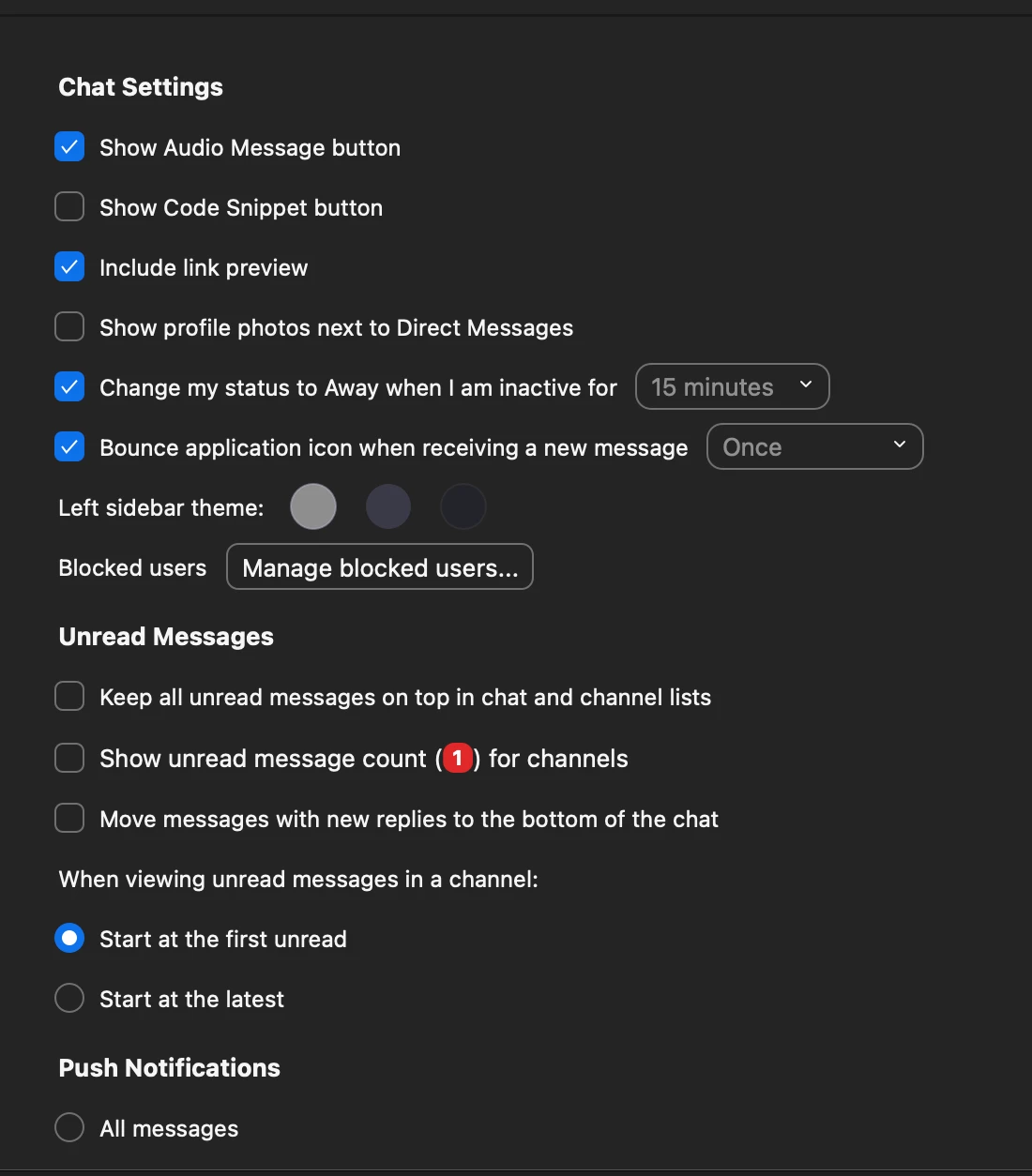
Here are my settings … what should I change?


Thank you for any insights!

    Rupert
    RupertAnswer
    Partner
    Sep 19, 2021 12:21 AM UTC

    Hi @sfrench55 


    Normally the way to keep in-meeting Chat out of the way is to pop it out into its own window, then drag it to one side. You then do not get the popups over your meeting.


    If, for you, opening Transcription collapses the in-meeting Chat window back into the meeting, are you able to re-pop-out Chat again, without Transcription closing. Maybe its a two-stage process?


    As a point of note - the Chat settings you have been looking at (that you posted above) all relate to the Chat features built-in to the Zoom app Home-Screen Chat (for in-organization) which is different to in-meeting Chat.


    Rupert


    2 replies

    Rupert
    Partner
    RupertAnswer
    Partner
    Sep 19, 2021 12:21 AM UTC

    Hi @sfrench55 


    Normally the way to keep in-meeting Chat out of the way is to pop it out into its own window, then drag it to one side. You then do not get the popups over your meeting.


    If, for you, opening Transcription collapses the in-meeting Chat window back into the meeting, are you able to re-pop-out Chat again, without Transcription closing. Maybe its a two-stage process?


    As a point of note - the Chat settings you have been looking at (that you posted above) all relate to the Chat features built-in to the Zoom app Home-Screen Chat (for in-organization) which is different to in-meeting Chat.


    Rupert


    Translate
    sfrench55
    Explorer
    sfrench55Author
    Explorer
    Mar 14, 2022 5:47 PM UTC

    Thanks very much, Rupert. Works like a charm!

    Translate